AI Logo Generator: Create Professional Logos with AI in Minutes (2026)
Learn how to design stunning logos using AI in minutes. Compare the 8 best AI logo generators, get 15 ready-to-use prompts for different industries, and discover tips for clean, vector-ready output.
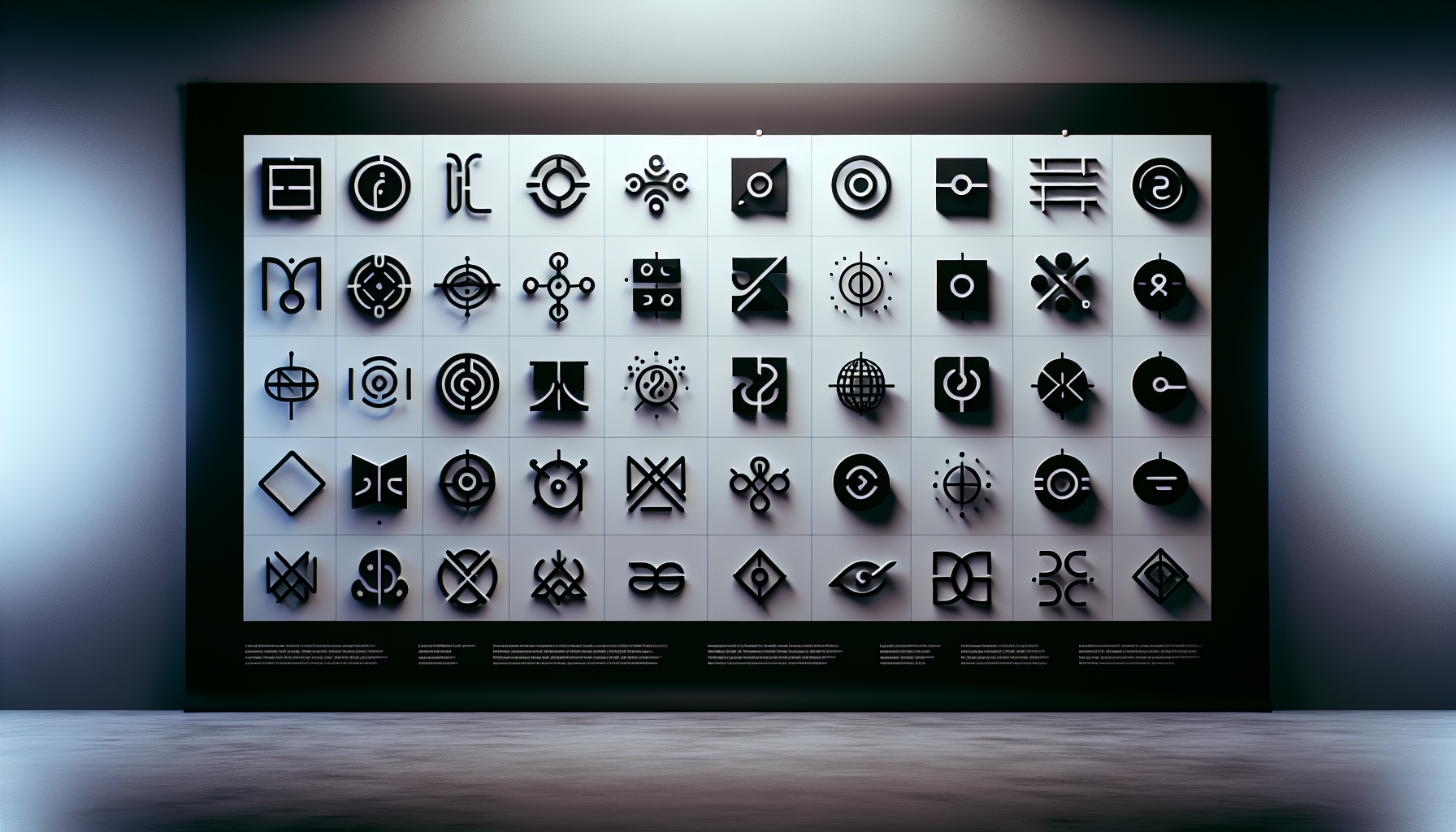
AI Logo Generator: Create Professional Logos with AI in Minutes (2026)
Designing a professional logo used to require hiring a designer, waiting days for drafts, and spending hundreds of dollars. With AI logo generators, you can now create polished, brand-ready logos in minutes — just describe your vision, pick a style, and let the AI do the heavy lifting. Whether you're launching a startup, refreshing your brand, or exploring ideas, this guide covers everything you need to generate logos with AI.
Generate logo concepts instantly
AI2image uses DALL-E 3 to turn your text prompts into logo concepts in seconds. Get 3 free generations when you sign up — no credit card required.
How AI Logo Generation Works
AI logo generators use deep learning models — primarily diffusion models and transformer architectures — to interpret text descriptions and produce visual output. When you type a prompt like "minimalist mountain logo for a hiking brand, flat design, earth tones", the AI processes your words, references patterns from millions of design examples it was trained on, and generates a unique image that matches your description.
There are two main approaches to AI logo generation:
- General-purpose AI image generators (like AI2image, DALL-E 3, and Midjourney) that can create logo concepts alongside any other image type. These give you the most creative control through prompt engineering.
- Dedicated AI logo tools (like Looka and Brandmark) that combine AI generation with template systems, offering structured logo creation with automatic brand kits, font pairing, and color palettes.
Both approaches have their strengths. General-purpose generators produce more creative and unique results, while dedicated tools provide more predictable, business-ready output with vector file formats included.
8 Best AI Logo Generators in 2026
Here's how the top AI logo generators compare across features, quality, and pricing:
| Tool | Type | Best For | Price | Vector Output |
|---|---|---|---|---|
| AI2image | General AI (DALL-E 3) | Creative logo concepts, rapid iteration | 3 free, then $5.99/10 | PNG (trace to SVG) |
| Looka | Dedicated logo maker | Full brand kits, business cards | Free preview, $20 one-time | SVG, PNG, EPS |
| Brandmark | Dedicated logo maker | Color palette + typography pairing | $25 basic, $65 designer | SVG, PNG, EPS |
| Hatchful (Shopify) | Template-based | E-commerce, quick startup logos | Free | PNG only |
| DALL-E 3 (API) | General AI | Complex prompts, text in logos | ~$0.04/image | PNG (trace to SVG) |
| Ideogram | General AI | Typography-heavy logos, text rendering | Free tier, $8/month pro | PNG (trace to SVG) |
| Midjourney | General AI | Artistic, stylized logo concepts | $10/month | PNG (trace to SVG) |
| Canva AI | Design platform + AI | Logo + full brand collateral | Free tier, $13/month pro | SVG, PNG, PDF |
How to Create a Logo with AI (Step-by-Step)
Follow these steps to go from a blank canvas to a polished AI-generated logo:
Step 1: Define Your Brand Identity
Before opening any tool, answer these questions:
- Industry: What field are you in? (tech, food, fitness, finance, etc.)
- Tone: Is your brand playful, serious, luxurious, or approachable?
- Symbol preferences: Any icons or imagery that represent your brand?
- Color palette: Do you have brand colors, or do you want the AI to suggest them?
- Style: Minimalist, vintage, geometric, hand-drawn, 3D?
Having clear answers to these questions will dramatically improve the quality of your AI-generated logos.
Step 2: Write a Detailed Logo Prompt
The key to great AI logos is a specific, structured prompt. Use this formula:
[Logo type] + [Subject/Symbol] + [Style] + [Color palette] + [Background] + [Quality keywords]
Example prompt:
Minimalist logo for a sustainable coffee brand called "GreenBean", a stylized coffee bean with a leaf growing from it, flat vector design, forest green and warm brown color palette, white background, clean lines, professional, scalable
Step 3: Generate Multiple Variations
Never settle for the first result. Generate at least 5-10 variations by:
- Changing the logo style (minimalist vs. detailed, flat vs. 3D)
- Trying different symbols or icons for the same concept
- Experimenting with color combinations
- Adjusting the level of abstraction (literal vs. abstract representation)
With AI2image, each generation takes just seconds, so you can explore dozens of directions quickly.
Step 4: Refine Your Favorite Concept
Once you find a direction you like:
- Refine the prompt with more specific details about what you liked
- Request variations of your best result with slight modifications
- Test different color schemes on the same concept
- Try the logo with and without text to see what works better
Step 5: Prepare for Production
AI generators typically output PNG or JPEG. To make your logo production-ready:
- Trace to vector: Use Adobe Illustrator's Image Trace, Vectorizer.ai, or Inkscape to convert to SVG
- Clean up: Remove any artifacts, simplify paths, and ensure clean edges
- Create variations: Make dark/light versions, icon-only, and full lockup variations
- Test at sizes: Ensure the logo is legible at favicon size (16x16) and billboard size
Start designing your logo with AI
Generate unique logo concepts in seconds using DALL-E 3. No design skills needed.
Try AI2image Free →15 AI Logo Prompts for Different Industries
Copy and paste these prompts into AI2image or any AI image generator to create professional logo concepts instantly:
Technology & SaaS
Minimalist tech startup logo, abstract geometric shape suggesting connectivity and data flow, gradient blue to cyan, white background, clean vector style, modern sans-serif aestheticFlat design logo for a cybersecurity company, stylized shield icon with circuit board pattern, dark navy and electric green, white background, professional and trustworthyModern SaaS company logo, abstract lettermark combining the letters A and I, sleek gradient purple to indigo, minimalist design, white background, scalable vector style
Food & Restaurant
Vintage bakery logo, hand-drawn wheat sheaf icon with rolling pin, warm golden brown and cream colors, rustic texture, circular badge design, white backgroundModern sushi restaurant logo, minimalist fish icon made from geometric shapes, coral red and charcoal black, Japanese-inspired clean design, white backgroundOrganic juice bar logo, fresh fruit slices arranged in a circular pattern, vibrant green and orange gradient, playful yet professional, flat design, white background
Fitness & Wellness
Bold fitness brand logo, stylized lion head icon suggesting strength and power, black and gold color scheme, sharp geometric lines, white background, premium feelCalming yoga studio logo, lotus flower with subtle mandala pattern, soft lavender and sage green, thin line art style, white background, elegant and serene
Real Estate & Finance
Luxury real estate agency logo, abstract house roofline combined with a key shape, metallic gold and deep navy, sophisticated minimalist design, white backgroundModern fintech startup logo, abstract rising bar chart forming an arrow pointing upward, emerald green and dark gray, clean geometric style, white background, trustworthy
Creative & Design
Creative design studio logo, abstract paintbrush stroke forming a letter D, vibrant rainbow gradient, artistic and dynamic, white background, modern typography feelPhotography business logo, minimalist camera aperture icon with subtle lens flare, monochrome black and white, elegant clean lines, white background
E-commerce & Retail
Sustainable fashion brand logo, minimalist leaf merging with a clothing hanger shape, forest green and beige, eco-friendly aesthetic, clean lines, white backgroundPremium pet supplies brand logo, playful dog and cat silhouette combined into one icon, warm orange and teal, friendly yet professional, flat design, white background
Education & Non-Profit
Online education platform logo, open book icon with digital pixels floating upward transforming into a lightbulb, bright blue and warm yellow, modern flat design, white background, inspiring
Tips for Getting Clean, Vector-Ready Logo Output
AI-generated logos often need refinement before they're production-ready. Here are proven techniques for getting the cleanest possible output:
Prompt Techniques for Cleaner Logos
- Always specify "white background": This makes vector tracing dramatically easier and avoids complex background removal
- Use "flat design" or "flat vector": These keywords push the AI toward simpler shapes with solid fills — ideal for logos
- Add "no gradients" or "solid colors": Gradients make vectorization messy. Specify solid fills for cleaner results
- Include "simple" and "minimalist": Fewer details mean cleaner vector conversion and better scalability
- Specify "no shadows" and "no 3D effects": Flat elements convert to vector format much more cleanly
- Request "single icon" or "single symbol": Prevents the AI from generating multiple logo variations in one image
Post-Processing for Vector Conversion
- Vectorizer.ai: The best automated PNG-to-SVG converter available — handles complex shapes with high accuracy
- Adobe Illustrator Image Trace: Use "High Fidelity" preset, then expand and clean up anchor points manually
- Inkscape (free): Use Trace Bitmap (Path > Trace Bitmap) with brightness cutoff for simple logos
- Manual redraw: For the best results, use the AI output as a reference and redraw the logo manually in a vector tool
AI Logos vs. Professional Designers: When to Use Each
AI logo generators are powerful, but they're not always the right choice. Here's an honest comparison:
When AI Logo Generators Are the Right Choice
- Early-stage startups that need a "good enough" logo to launch quickly
- Side projects and MVPs where budget is limited
- Brainstorming and ideation — generate 50 concepts in an hour to find your direction
- Internal projects that don't need pixel-perfect branding
- Social media and content where logos appear at small sizes
When You Should Hire a Professional Designer
- Funded companies building a brand that needs to last years
- Logos requiring custom typography — AI can't create truly original typefaces
- Brands needing a comprehensive identity system (logo, icons, patterns, guidelines)
- Regulated industries (finance, healthcare) where brand trust is critical
- When you need guaranteed originality — AI can produce similar results for different users
The hybrid approach: Many designers now use AI as part of their workflow. Generate 20-30 concepts with AI, pick the best direction, then hire a designer to refine and professionalize it. This can cut design costs by 50-70% while still delivering a polished result.
Common Mistakes to Avoid
- Using the AI output directly without cleanup: Always trace to vector and clean up the result
- Including too many details: Logos must work at small sizes — keep it simple
- Relying on AI-generated text: AI models still struggle with letter accuracy. Add your brand name in a vector editor instead
- Skipping trademark searches: AI can generate logos similar to existing trademarks. Always do a trademark search before using your logo commercially
- Not testing on different backgrounds: Ensure your logo works on white, dark, and colored backgrounds
- Ignoring scalability: Test your logo at both 16x16 pixels (favicon) and large display sizes
Frequently Asked Questions
Can I use an AI-generated logo for my business legally?
Yes, most AI image generators grant commercial usage rights for generated images. DALL-E 3 (used by AI2image) and Midjourney both allow commercial use. However, you cannot trademark an AI-generated logo in most jurisdictions without significant human modification. It's recommended to use the AI output as a starting point and refine it with manual edits before filing for trademark protection.
What is the best free AI logo generator?
AI2image offers 3 free DALL-E 3 generations that can be used for logo concepts — no credit card required. Hatchful by Shopify is another fully free option, though it uses templates rather than AI generation. Ideogram also has a free tier with strong typography capabilities, making it useful for logos that include text.
How do I convert an AI-generated logo to vector (SVG) format?
Use Vectorizer.ai for the best automated results — it handles complex shapes and colors well. Alternatively, open your PNG in Adobe Illustrator and use Image Trace with the "High Fidelity" preset, then click Expand. For a free option, Inkscape's Trace Bitmap feature works well for simpler logos. For best results, keep your AI-generated logo flat and minimalist with solid colors and a white background.
Are AI-generated logos unique, or will someone else get the same design?
Each AI generation produces a unique image, so no one will get the exact same output. However, similar prompts can produce visually similar results. To maximize uniqueness, use highly specific prompts with unusual combinations of style, color, and subject matter. Always modify the AI output in a vector editor to add your own creative direction and ensure your logo stands apart.
How much does it cost to create a logo with AI compared to hiring a designer?
AI logo generation is dramatically cheaper. AI2image starts free (3 generations), with additional credits at $5.99 for 10. Dedicated tools like Looka cost $20-65 for a complete brand kit. In contrast, a professional designer typically charges $200-2,000+ for a logo project. The trade-off is that AI logos require more post-processing work and may lack the strategic brand thinking a designer provides.
Create Your Logo with AI Now
3 free logo generations. No credit card. Professional results in seconds.
Try AI2image Free →Try this prompt:
Minimalist logo for a sustainable coffee brand, stylized coffee bean with a leaf, flat vector design, forest green and warm brown, white background, clean lines
Try this prompt:
Modern tech startup logo, abstract geometric shape suggesting connectivity, gradient blue to cyan, white background, clean vector style
Try this prompt:
Vintage bakery logo, hand-drawn wheat sheaf icon, warm golden brown and cream colors, circular badge design, white background
Try this prompt:
Bold fitness brand logo, stylized lion head icon, black and gold color scheme, sharp geometric lines, white background, premium feel